What we are doing in Canvas and why we are in there!
The idea behind this project is one that will constitute many weeks as we continue through the school semester. Canvas is a platform that not all schools are using for their virtual learning. However, our school district made it mandatory for all teachers to use this platform if they were teaching a class in any of our high schools. Let me reiterate here, I am not a teacher, I am a Distance Learner Facilitator (DL) who helps students who are taking online college from our local community college. This allows me to give them advice, guidance, work with them for research papers, help them find topics, supervise their work ethic, and if they request it, I will help them edit papers before they submit. I do not do their work.
They are already in an online platform but in my room, as they are still high school students, they must have accountability by doing my BR so I can take attendance. Our students are in four different categories right now. We have Cohort A (A-L) M/T, Cohort B (M-Z)Th/Fr, Cohort C which is totally remote, and Cohort D which is all the alphabet but allows them to come all four days of the week.
I was not told to do a Canvas class, most of my fellow DL’s in the district do not do this at all, but I felt it my duty to try and make one. I had one week to get it up and running and it was not pretty. That is why this project is so important to me. If this Canvas class can be made to engage the student, then I have succeeded in doing something I never thought possible. Every student that walks into my room is supposed to be one of the top kids in the school as they can only take these online college classes with a specific GPA. They are all juniors and seniors, as I said last time, but some of them really are in my room with no idea of what they are getting for free. This is a conundrum for many of them. My goal is to make them better students, more ethically motivated, and get the most from the educational system they can possibly attain.
Week two: stepping up the game!

This week we are trying out a new platform, one that will take a little more time but it will build on the skills they learned in making and uploading a meme. The App is on their iPad or they can work it on a computer. Most of these students, especially the remote ones, work only on the school deployed iPad. Some of them have internet issues, some of them find it easy to be distracted, and some are overwhelmed by all classes having asynchronous and synchronous learning involved. This is why my objective with this project is to inject a bit of fun into their very busy day. Technology moves at a rapid pace and with education leaping into this venue I feel it imperative to help hone some of those skills that will help them in the future. I am not sure if I am succeeding, but that will not stop me from trying!
The schedule I have put up in my Canvas classroom allows them to only work on the BR for that day. Once a BR is opened, they can only see what they are doing, and cannot see other student work until they upload into the DB box. Sometimes, they upload, see the other work, delete their work, and start over or edit. As an aside: it should be noted at this time that all students, whether remote or face-to-face, have the ability to make up all late work by going back to the days they missed and do the assignment. This takes away any absences they might have that could impact their passing high school. No class is allowed to have more than 10 absences of record. This is fine with me as they work through the assignments. I have made each assignment “grow” off the previous one. With that objective in place, it should make each subsequent assignment easier as they learn the platform. I continually observe and comment on their input and let them know how proud I am of all they continue to accomplish in our Canvas classroom.
When they enter into the App called CANVA, the platform allows them to use pre-made templates that they can manipulate as much as they want, or they have the option of creating from a blank template. This will entail a little more dedication and time. I am not sure the students will be engaged, but it is my hope that they will be.
This is how the week was set up
Monday: WoW: NERD. Please find out what it means. In the DB reply box tell me about your “nerdy” self/side and then tell me about a person you know who has a nerdy/nerdiness to them as well.
Tuesday: Please stay with the WoW: NERD, here you are to make a POSTER of yourself showing your classmates how you think you are a nerd. Show us your nerdiness! Make sure you are using the App in Canva to make this poster.

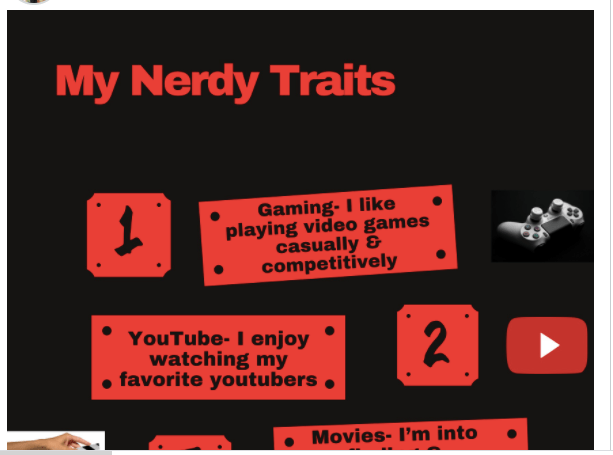
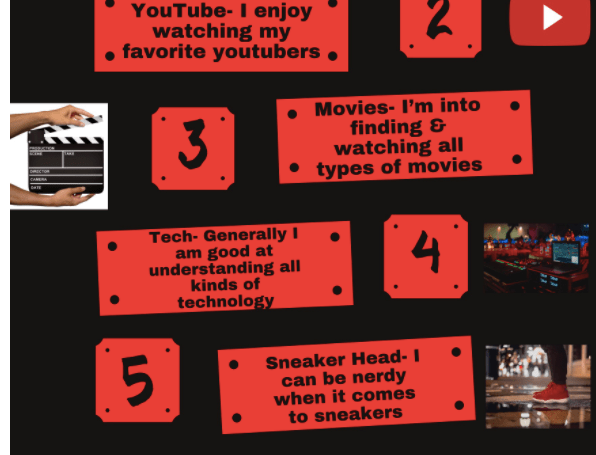

Wednesday: This time, we are going to be making a marketing tool. This can be an Ad, an announcement, a book cover, logo, business card, flyer, brochure, anything that you think can be used as a marketing tool. The word NERD must be on there in some form. You can make an acronym for it, you figure out how to use it, and your name needs to be on there in some form as well. Remember to use the Canva App to do this project! For this particular assignment, I asked for help from another teacher who uses Canva in her classroom all the time. I was seeing a lot of frustration from the students who were not understanding the App, so I asked how we could make it easier for them. She and I put together a Screen-O-Matic video recording showing them the actual steps we did to make a simple, one-sided, business card. That was something I had never done before and that was highly engaging as they saw us flounder at one point. This showed them exactly the steps we took. I was amazed at that platform and will use it again!

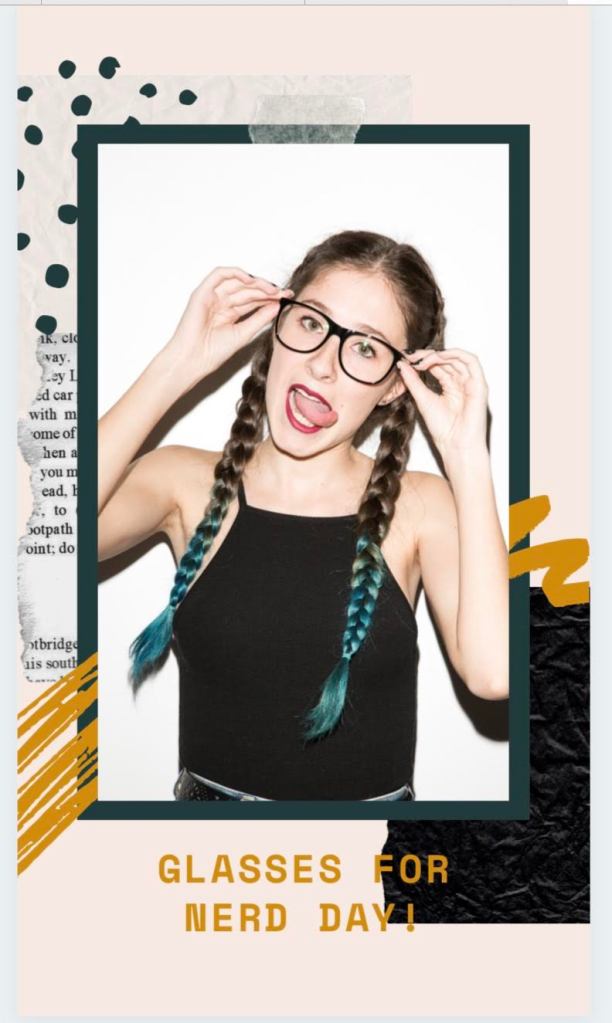



Thursday: This time, just make a school-oriented yearbook page all about YOU! Be creative. Tell us where you think you will be in 10 years. What do you want your friends to remember about you when they open up this yearbook down the road? Again, use Canva!
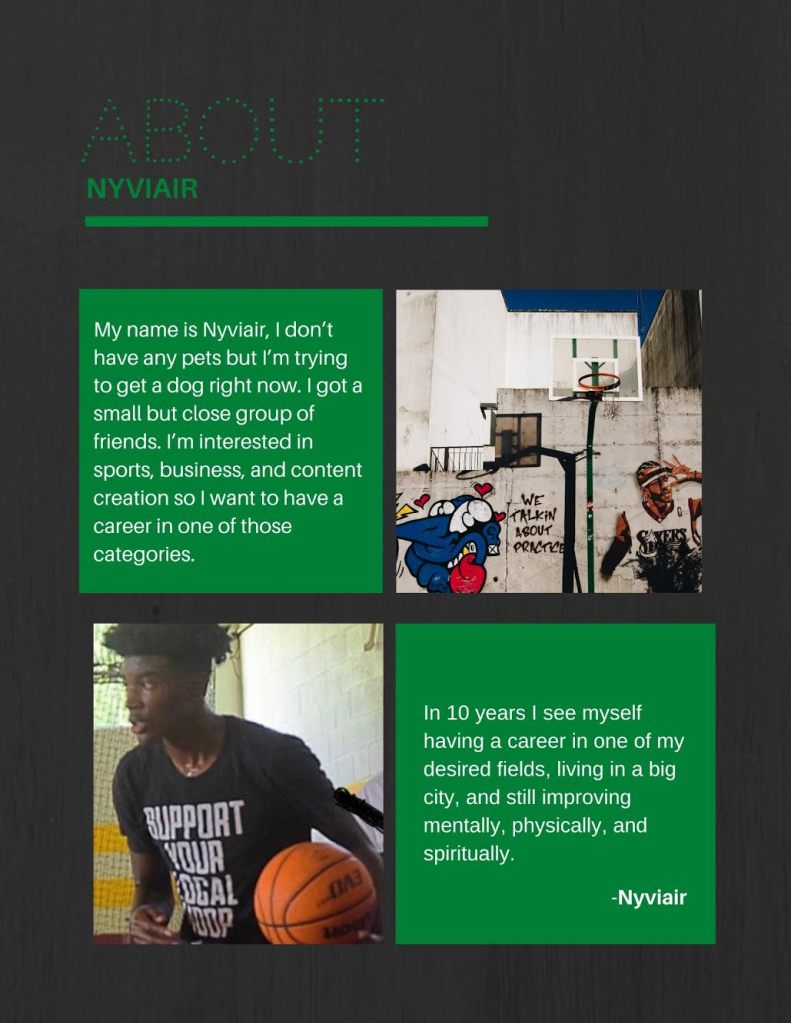
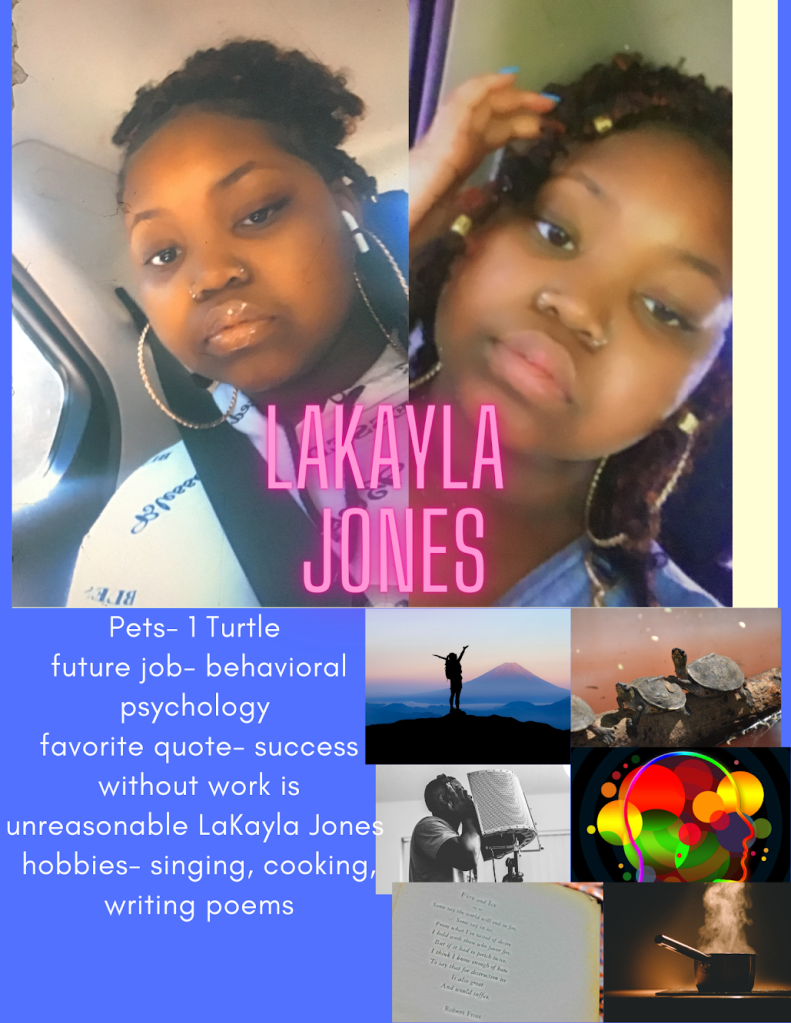


Friday: Friday Fun. Use Canva and in there use one of the social media components, your choice, and share with the class in the DB reply box. Use anything like Snapchat, Instagram, FB, TikTok, etc. you know them better than I do, but make sure it is school appropriate!
Reflection- did I achieve my goal for this week?
Wondering what happened this past week in the Canvas classroom deserves some serious reflection. Some of the students were slightly engaged, some fell off, and some gave me their best efforts. I had some reach out to ask for help, and we zoomed to work through it. Others were frustrated by the amount of work they felt this entailed. A BR is supposed to be at least 5 minutes long. These students can spend hours scrolling on the phone while sitting, but find that putting in longer than 5 minutes in the BR is asking too much. One supposition for why engagement definitely fell: I think they are getting tired of being asked to “grow” when they just want to get through the day.
Moving forward, I hope that this week, going into the idea of “Branding”, will have some good input. I miss hearing from them, but the ones that have stayed with me are awesome and what they have produced is spectacular. Trying to make a program to engage a student in these virtual days is harder than one would think. Going virtual has been a challenge on many levels for students, some have risen like cream to the top, and some have fallen to the bottom. This effort in this Canvas project: 1) trying to find out what will engage a student that is disengaged and 2) what can this Canvas class provide for the student that will keep them on the learning curve? There is definitely a fine line between the two cultural mindsets for education and student responsibility/accountability. Moving forward with this Canvas project, I will look into the structure of the Canvas: what might need to be changed, what will keep engaging the students, and what will make them return to being engaged from being disengaged. Those are the tasks moving ahead.
Any and all comments, observations, and critiques are very welcome. All submissions came with student knowledge and approval to be used in this blog.
 Older and Hopefully Wiser